> For the complete documentation index, see [llms.txt](https://docs.crosscurve.fi/llms.txt). Markdown versions of documentation pages are available by appending `.md` to page URLs; this page is available as [Markdown](https://docs.crosscurve.fi/user-documentation/eywa-nft/eywa-nft-gallery/gallery-bridge-interface-in-the-aurora-chain.md).
# Gallery / Bridge interface in the Aurora chain
Bridge interface description in the Aurora chain
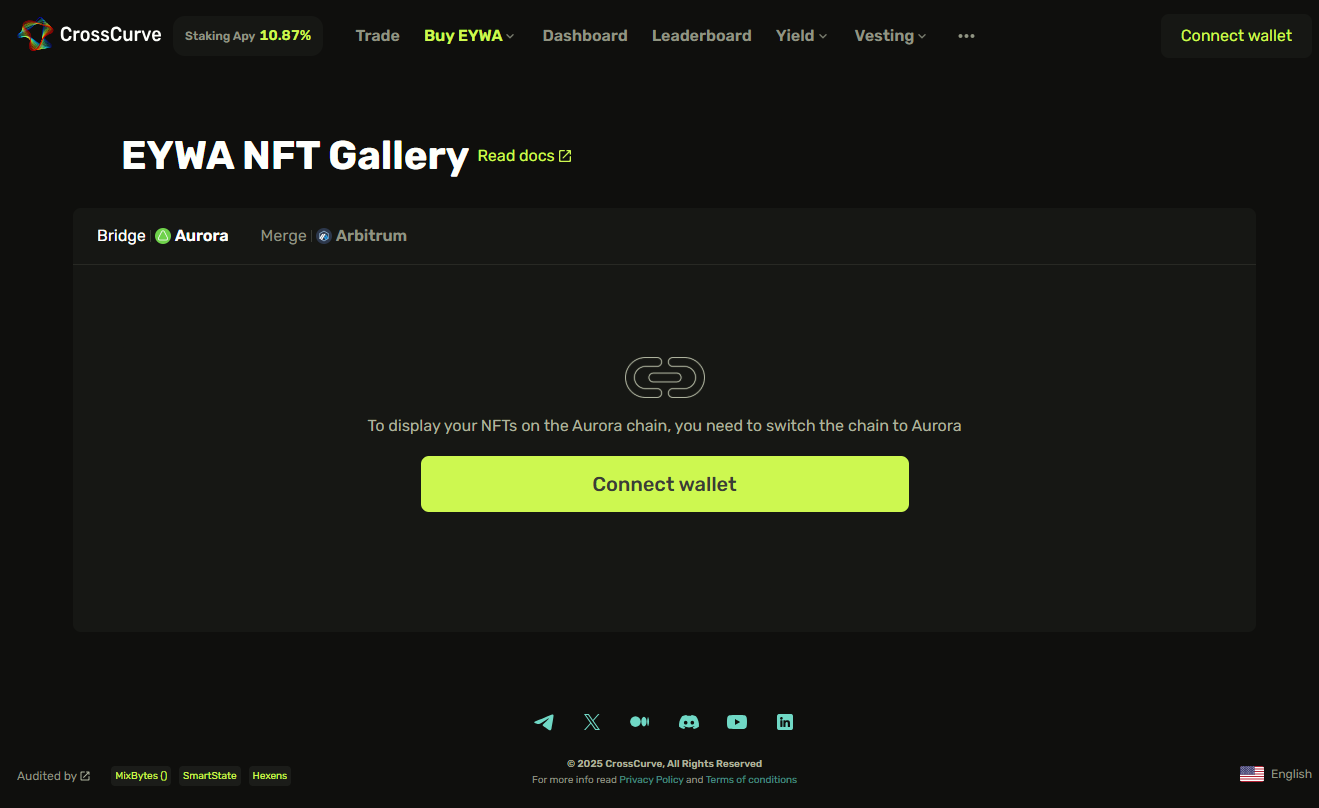
To interact with the bridge in the **CrossCurve** app, go to the **NFT** section and select the «**Gallery / Bridge**» tab. Click «**Connect wallet**», select the right wallet from the list, and confirm the connection. Make sure that you’re on the official **CrossCurve** page:[ https://app.crosscurve.fi/nft-bridge](https://app.crosscurve.fi/nft-bridge).
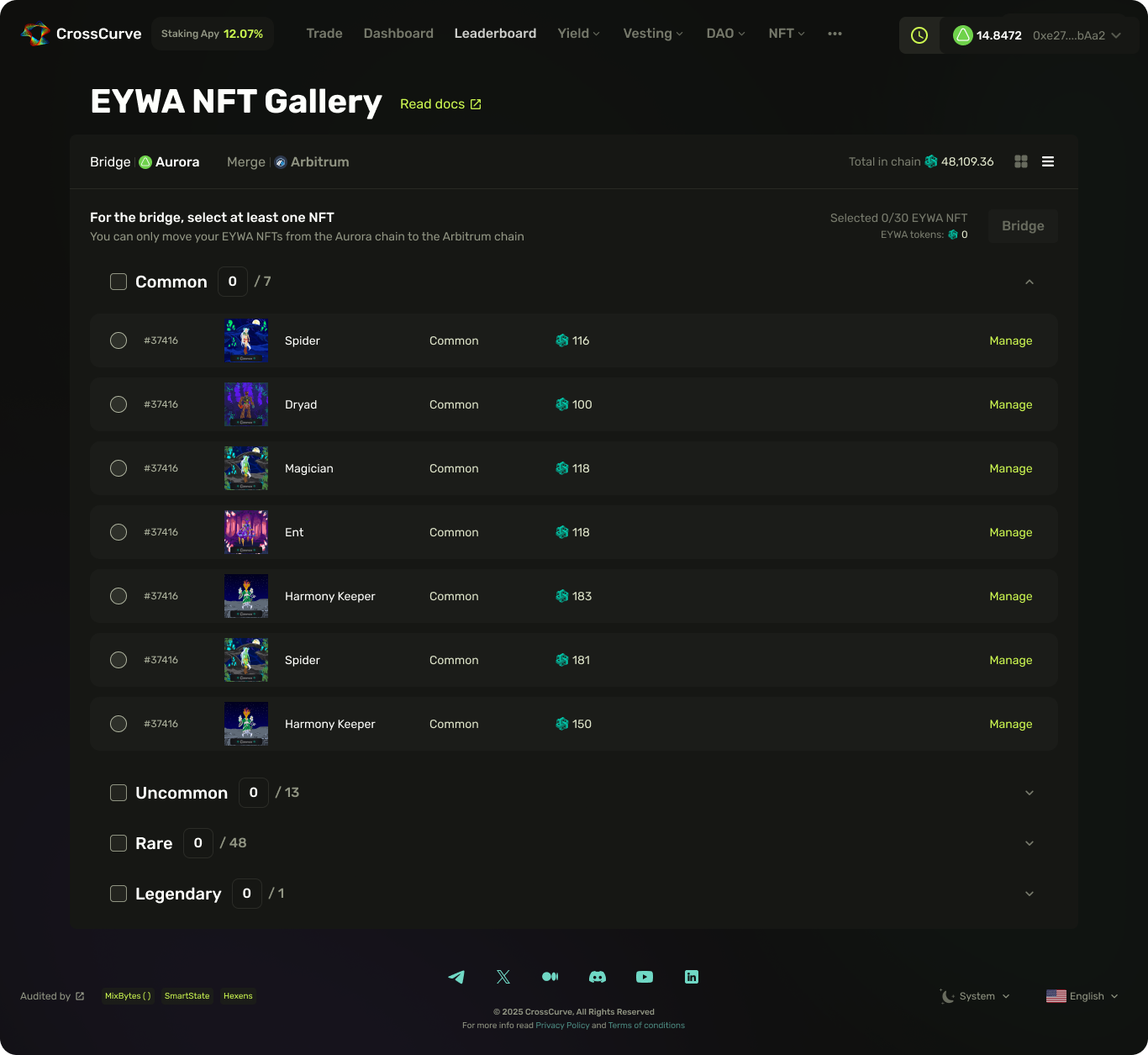
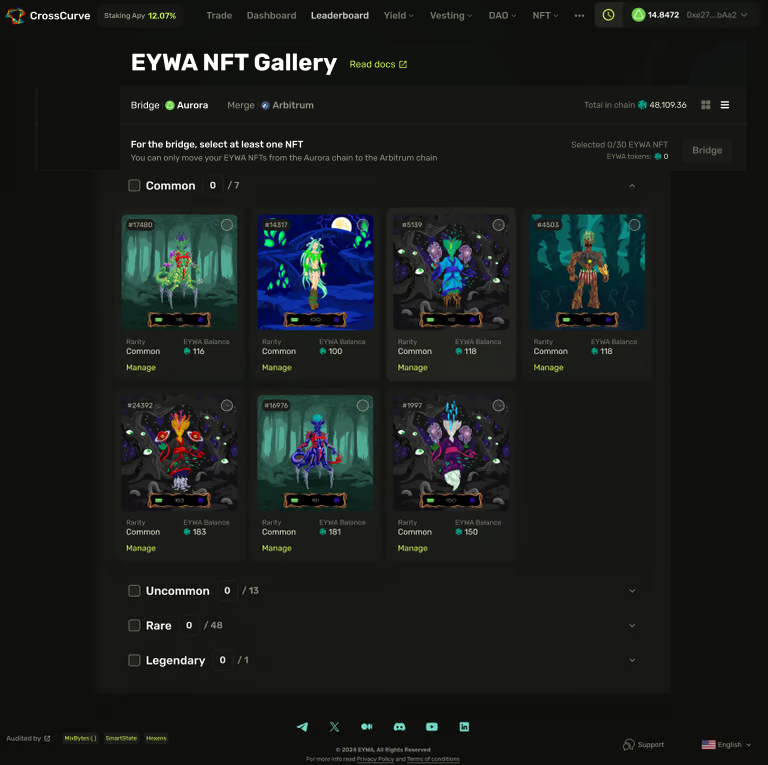
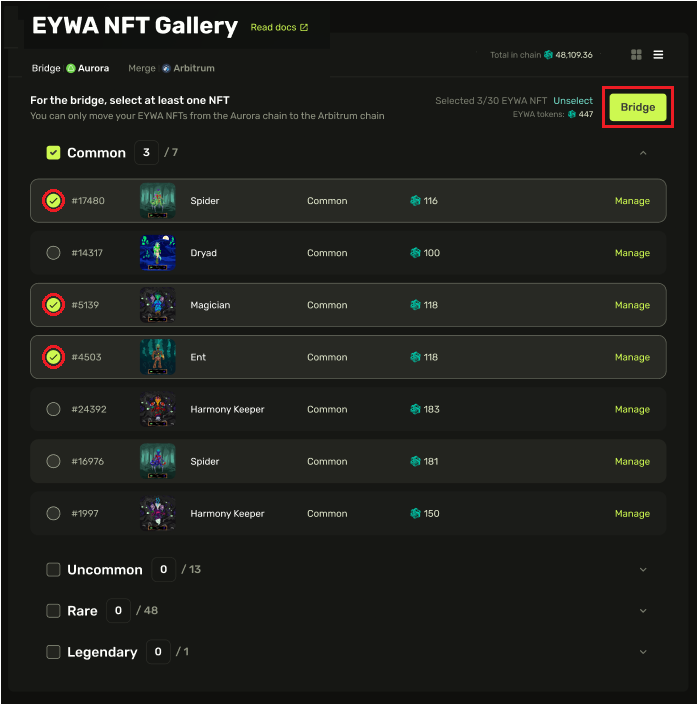
After successfully connecting the wallet in the «**Bridge**» tab, you will see all the available **NFTs** in your wallet, their level of rarity, and the number of **EYWA** tokens within the [**containers**](https://docs.crosscurve.fi/user-documentation/eywa-nft#container).
In the top right corner, you can toggle between list and icon view options:
To migrate them to the **Arbitrum** chain, select up to 20 **NFTs**\* and click «**Bridge**»:
{% hint style="danger" %}
*\* During peak hours, the Aurora network can be unstable: if you can't transfer 20 NFTs, try transferring 10 to 15 NFTs in a single transaction or try again*[ *later*](https://explorer.aurora.dev/gas-tracker)*.*
{% endhint %}
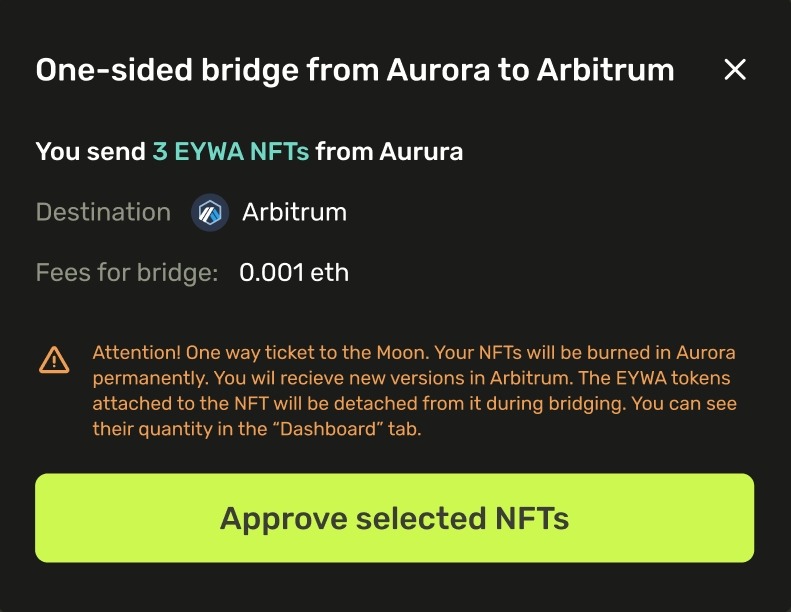
In the first transaction, confirm migrating the **NFTs** by clicking «**Approve selected NFTs**»:
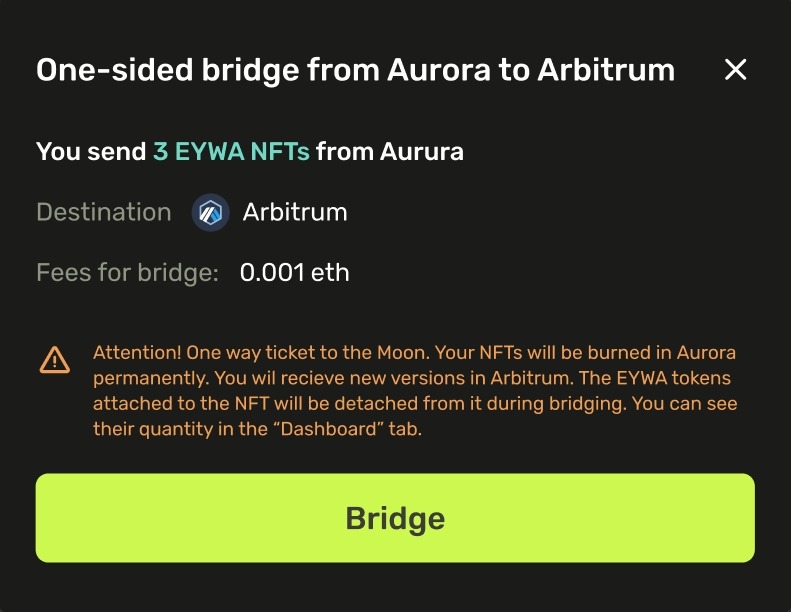
Then, to migrate them into **Arbitrum**, click «**Bridge**» and confirm in the wallet:
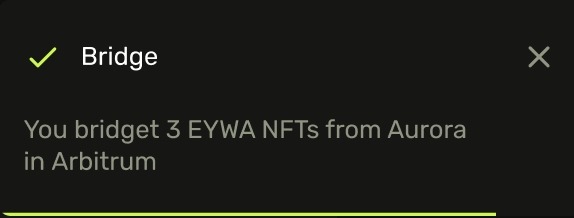
After it’s confirmed on-chain, you will receive a notification about the successful bridging of your **NFTs** to **Arbitrum**:
{% hint style="success" %}
***NOTE**: After migrating your NFTs to* [***Arbitrum***](https://arbiscan.io/address/0x33b98A477512A34Af0D311DA5F59FC5341693962)*, their copies on* [***Aurora***](https://explorer.mainnet.aurora.dev/token/0xB2e6a5a864A1004C3c828a2e767A08C173939b01/token-transfers) *will be burned.*
*Don’t worry — all your EYWA tokens contained in those NFTs will be detached and merged if bridging multiple NFTs at once. You can always check your balance in the “*[***Dashboard***](https://app.crosscurve.fi/dashboard)*.”*
*After the TGE, tokens will be claimable in the **Claim Portal** and can again be placed inside an NFT container if you so desire.*
{% endhint %}
---
# Agent Instructions
This documentation is published with GitBook. GitBook is the documentation platform designed so that both humans and AI agents can read, navigate, and reason over technical content effectively. Learn more at gitbook.com.
## Querying This Documentation
If you need additional information that is not directly available in this page, you can query the documentation dynamically by asking a question.
Perform an HTTP GET request on the current page URL with the `ask` query parameter, and the optional `goal` query parameter:
```
GET https://docs.crosscurve.fi/user-documentation/eywa-nft/eywa-nft-gallery/gallery-bridge-interface-in-the-aurora-chain.md?ask=&goal=
```
`ask` is the immediate question: it should be specific, self-contained, and written in natural language.
`goal` is optional and describes the broader end goal you are ultimately trying to accomplish on behalf of the user. GitBook uses it to tailor the answer towards what is most useful for that goal.
The response will contain a direct answer to the question and relevant excerpts and sources from the documentation.
Use this mechanism when the answer is not explicitly present in the current page, you need clarification or additional context, or you want to retrieve related documentation sections.